
As featured in







Services

Guard your online world with SiyanoAV advance
Internet Security today!
SiyanoAV Internet Security provides robust protection against cyber viruses, keeping your
important data safe while browsing.
Password Manager
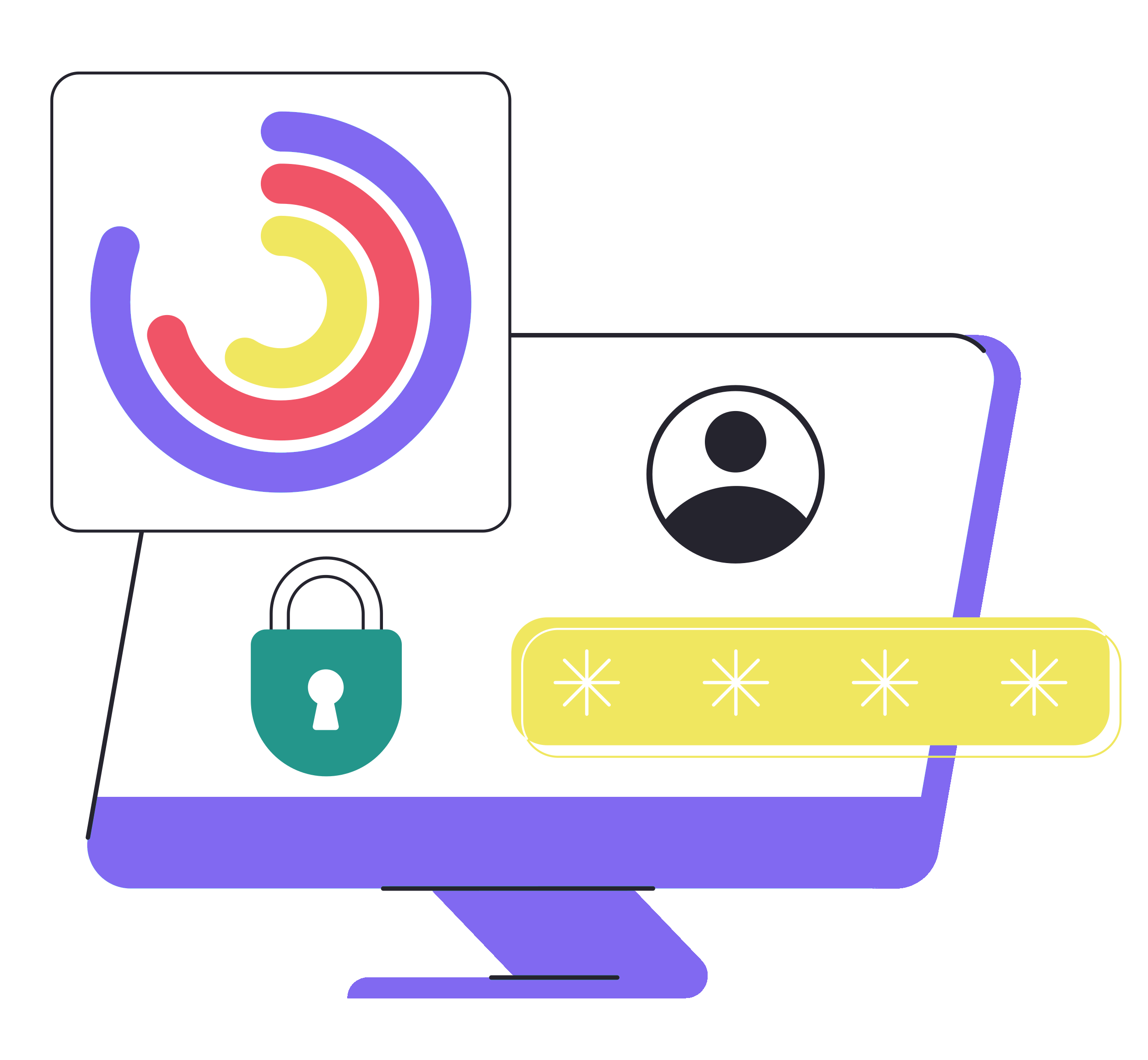
SiyanoAV Password Manager secures and organizes your passwords with advanced encryption for effortless protection.
Ransomware Protection
Combines real-time monitoring and behavioral analysis to stop ransomware attacks.
PC Optimizer
Enhances speed by cleaning unnecessary files for a smoother computing experience.
Real-Time Scanning
SiyanoAV Real-Time Scanning monitors your system continuously, effectively detecting and proactively blocking threats as they occur.
3 Scan Modes
SiyanoAV offers Quick Scan for fast checks, Full Scan for thorough inspections, and Custom Scan for specific files, ensuring flexible protection.
File Shredder
SiyanoAV File Shredder permanently erases files, ensuring complete data privacy and secure deletion of sensitive information.
How does SiyanoAV internet security ensure
your device's security?
User Friendly-interface
SiyanoAV Internet Security offers an intuitive interface that simplifies advanced security management.
Real Time Threat Detection
SiyanoAV Internet Security offers real-time threat detection to instantly neutralise emerging virus.
Virus Security Pledge
At SiyanoAV, we are committed to providing you 99% security against all forms of digital virus.
Compare the Features and Plan of
SiyanoAV Security
SiyanoAV Security safeguards your privacy, protects against viruses, and optimizes system performance with its
comprehensive security features below.
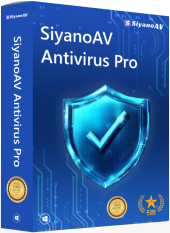
-
PC Booster
SiyanoAV PC booster helps to identify the junk in your PC for more excellent performance to get the best result at your work.
-
Real-time Scanning SiyanoAV Internet Security offers its advanced real-time scanning feature to scan out all the infected files before the user could access them.
-
File shredder
Shred your files permanently. SiyanoAV helps you to delete all your selected files and makes it impossible for any recovery tool to retrieve it back.
-
Privacy Firewall SiyanoAV Total Security works on every local and internet network just like a real-time security guard.
-
Software Update Stay up-to-date with regular updates delivered via the internet. Updates can also be distributed through a remote update server when available
-
Browser Safety Browser safety is the safety layer of protection that works proactively during your internet surfing
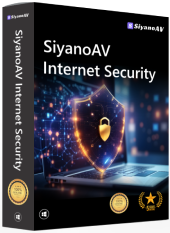
-
PC Booster SiyanoAV PC booster helps to identify the junk in your PC for more excellent performance to get the best result at your work.
-
Real-time Scanning SiyanoAV Internet Security offers its advanced real-time scanning feature to scan out all the infected files before the user could access them.
-
File shredder Shred your files permanently. SiyanoAV helps you to delete all your selected files and makes it impossible for any recovery tool to retrieve it back.
-
Privacy Firewall SiyanoAV Total Security works on every local and internet network just like a real-time security guard.
-
Software Update Stay up-to-date with regular updates delivered via the internet. Updates can also be distributed through a remote update server when available
-
Browser Safety Browser safety is the safety layer of protection that works proactively during your internet surfing
-
Password Manager Password manager keeps your passwords in an encrypted database and manages your online credentials to support your Secure Digital Life.
-
Dark Web Scanning Dark Web Scanning proactively searches hidden parts of the internet for compromised data, helping to identify threats early. Protect sensitive information by detecting breaches before they become critical.
-
Folder Locker Protect your private files with encrypted folder locking.
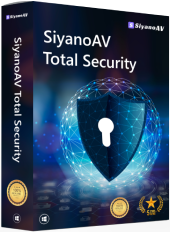
-
PC Booster SiyanoAV PC booster helps to identify the junk in your PC for more excellent performance to get the best result at your work.
-
Real-time Scanning SiyanoAV Internet Security offers its advanced real-time scanning feature to scan out all the infected files before the user could access them.
-
File shredder Shred your files permanently. SiyanoAV helps you to delete all your selected files and makes it impossible for any recovery tool to retrieve it back.
-
Privacy Firewall SiyanoAV Total Security works on every local and internet network just like a real-time security guard.
-
Software Update Stay up-to-date with regular updates delivered via the internet. Updates can also be distributed through a remote update server when available
-
Browser Safety Browser safety is the safety layer of protection that works proactively during your internet surfing
-
Password Manager Password manager keeps your passwords in an encrypted database and manages your online credentials to support your Secure Digital Life.
-
Dark Web Scanning Dark Web Scanning proactively searches hidden parts of the internet for compromised data, helping to identify threats early. Protect sensitive information by detecting breaches before they become critical.
-
Folder Locker Protect your private files with encrypted folder locking.
-
Webcam Protection SiyanoAV Total Security helps you to secure your privacy and protects you from unauthorized access to take control of your webcam.
-
Parental Control The online presence of children has gradually increased and so are the posing threats.
-
Vulnerability Access SiyanoAV Total Security scans your device and your entire system to look for spots and susceptibilities with a few clicks.
-
Advance Threat Shield SiyanoAV advanced defensive HIPS technology closely watches for malicious activities in your software application & immediately performs its duty.
-
SiyanoAV Drive (20 GB Cloud Backup) Securely store and share your priceless memories and important documents with SiyanoAV cloud storage, where your files are protected and always accessible.
-
Wi-Fi Scanner Analyze your network for intruders and weak spots.
-
Uninstaller Fully remove unwanted applications and free up space.

SiyanoAV PC Booster: Optimize Your System for Peak Performance
Unlock your computer's full potential with SiyanoAV PC Booster. This tool cleans unnecessary files, optimizes settings, and manages startup programs for faster boot times and improved performance, ensuring a more responsive computing experience.
SiyanoAV: Your Friendly Solution for Safe and Secure Browsing
SiyanoAV simplifies online safety with robust protection against cyber threats, ensuring a smooth browsing experience while safeguarding your personal information with minimal hassle.
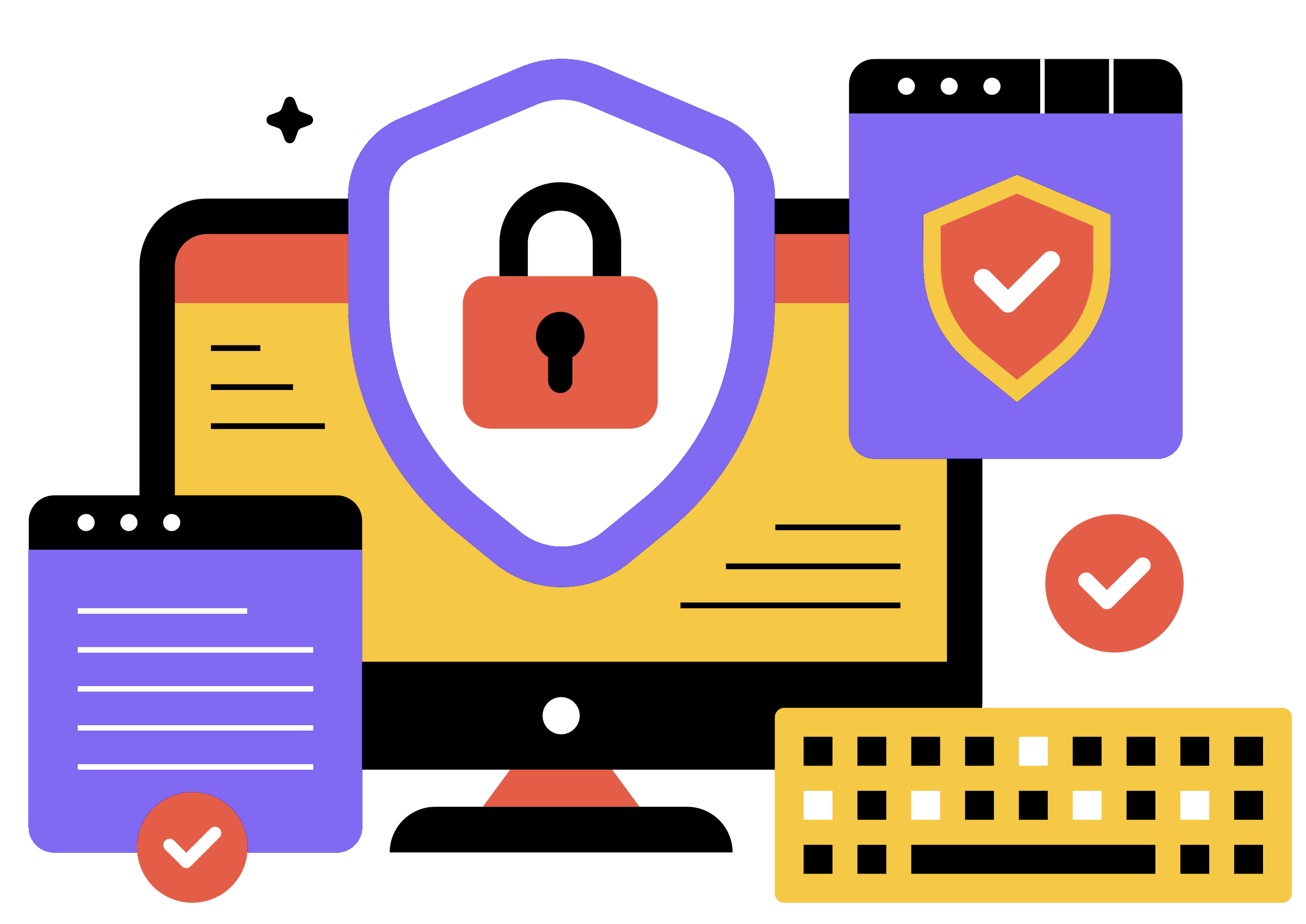
Keep your digital world safe and secure with SiyanoAV Internet Security you can trust every day
Trust SiyanoAV Internet Security for reliable protection against evolving cyber threats. With real-time scanning and automatic updates, it defends against malware, ransomware, and phishing attacks, keeping your devices and personal data secure.
SiyanoAV Real-Time Protection: Defend Your Digital World Instantly
SiyanoAV Real-Time Protection offers immediate defense against emerging cyber threats. With continuous monitoring, it detects and neutralizes potential dangers, providing peace of mind for your digital activities.
Our Achievements
We take pride in our achievements and remain committed to delivering robust security
to safeguard our customers' data.


Guides, FAQs & Offer Information
Everything you need to install, understand, and make the most of your purchase — all in one place.
Commonly Asked Questions (FAQs)
- The distinction between free antivirus software and premium antivirus software primarily lies in the range of features, level of protection, user support, and overall effectiveness. Here are some key differences:
- Free Antivirus Software: Generally offers basic protection against common threats like viruses and malware. It may include essential features such as real-time scanning and basic firewall protection, but often lacks advanced tools like phishing protection, VPN, or parental controls.
- Premium Antivirus Software: Provides a comprehensive suite of features, including advanced threat detection, anti-ransomware, secure browsing, password managers, and regular updates. Premium versions often come with enhanced privacy tools and additional layers of security.
- Download and Install: Visit the SiyanoAV website to download the Internet Security software. Run the installer and follow the on-screen instructions to complete the installation.
- Set Up Your Account: Create an account or log in if you already have one. This will allow you to access features and updates.
- Run Initial Scan: After installation, perform an initial scan to identify and remove any existing threats on your device.
How to install
Get protected right away by following these 3 easy steps:
2. Open the file
Open the downloaded file and approve the installation.
3. Install the file
Run the installer and follow the simple instructions.
Important Terms and Offer Details
Technical Specifications
Software Details: Release Date – October, 2024.
System Requirements
Operating System: Windows 7, 8, 8.1, 10, 11
Processor: 1 GHz or faster
Disk Space: 1.5 GB
RAM: 1 GB for 32-bit or 2 GB for 64-bit
Screen Resolution: 1366 x 768.
Important Subscription, Pricing and Offer Details
Your subscription begins when your purchase is completed (or otherwise, when your payment is received). You must download and install on each device, or complete enrollment to get the software. Special offer(s) may expire at any time at SiyanoAV's discretion.
By subscribing, you are purchasing a recurring subscription which will automatically renew. It is not applicable for One Time purchase plan.
The price quoted today is valid for the offered introductory term. After that, your subscription will be billed at the applicable monthly or annual renewal price for which you signed up. The price is subject to change, but we will always send you a notification email in advance.
You can cancel your subscription here, or by contacting Customer Services & Support at [email protected]. For more details, please visit the Refund Policy.
Your subscription may include product, service and/or software updates and features that may be added, modified or removed subject to the acceptance of the License and Services Agreement.
The number of supported devices allowed under your plan are primarily for personal or household use only. Not for commercial use. If you have issues adding a device, please contact Customer Services & Support.