As featured in







Services

Benefits of SiyanoAV Admin Console
Corporate Edition
Take control of your organization’s cybersecurity with a unified solution built
for performance, protection, and simplicity.
Real-Time Threat Detection
Defend all endpoints with AI-powered malware detection.
Centralized Management
Monitor and manage all devices from a single dashboard.
Automated Updates
Ensure all systems are up to date without user intervention.
Behavioral Analysis
Detect zero-day threats before they cause harm.
Detailed Reports & Alerts
Gain insights into network-wide threats and activities.
Role-Based Access Control
Grant precise permissions to IT teams and admins.
Print Activity Monitoring
Track and log all printer usage across the organization to prevent unauthorized document handling.
Device Access Control
Restrict and manage the use of external devices like USBs and storage drives to block data leakage.
IT Asset Tracking
Maintain real-time visibility of all hardware and software assets in your network.
User Session Monitoring
Monitor login sessions and user activity to detect suspicious behavior and enforce usage policies.
Policy Management
Define and enforce custom security policies across all endpoints to ensure consistent protection and compliance.
Advanced Device Control
Gain granular control over peripheral devices such as USBs, Bluetooth, and external drives to prevent unauthorized data access or transfers.
Network Activity Reporting
Monitor and analyze network usage to detect unusual traffic, track bandwidth consumption, and uncover potential security threats.
PC Optimizer
Enhance system performance by cleaning junk files, managing startup apps, and optimizing resource usage for a faster, more efficient PC.
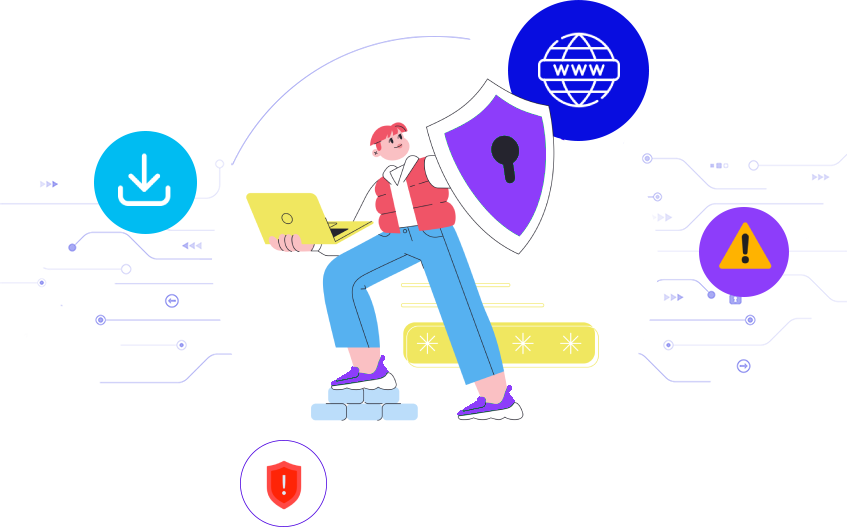
Multi-layered Security Against & Web Attacks
- Blocks fake websites and links that steal your information.
- Blocks access to dangerous or compromised websites.
- Prevents drive-by downloads and browser changes.
- Controls access to unsafe or unwanted web content.
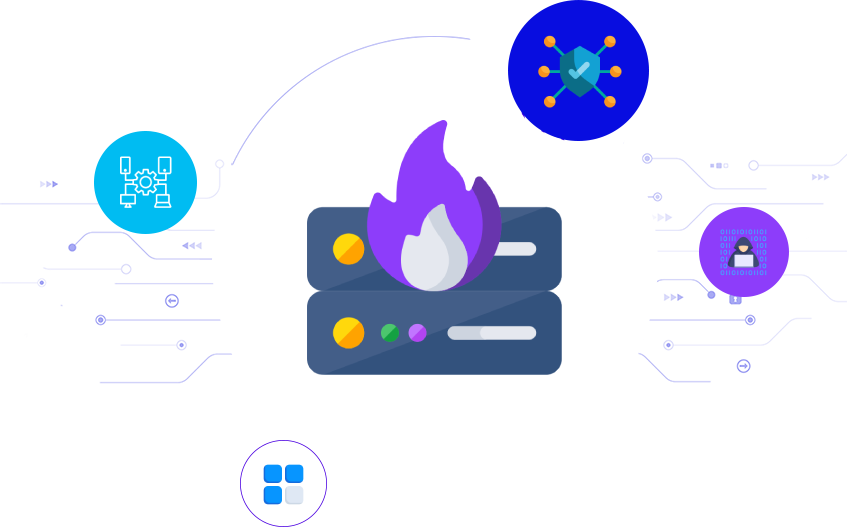
Firewall for Privacy
- Monitor and filter all remote data traffic on your device.
- Block suspicious apps from connecting to the internet.
- Stop hacking attempts before they reach your system.
- Hide your device from unauthorized scans.
Our Achievements
We take pride in our achievements and remain committed to delivering robust security
to safeguard our customers' data.

Guides, FAQs & Offer Information
Everything you need to install, understand, and make the most of your purchase — all in one place.
Commonly Asked Questions (FAQs)
How to install
Get protected right away by following these 3 easy steps:
2. Open the file
Open the downloaded file and approve the installation.
3. Install the file
Run the installer and follow the simple instructions.
Important Terms and Offer Details
Endpoint Security Server
Software Details: Release Date – July, 2025.
System Requirements:
Operating System: Windows Server 2024/2022/2019/2016/2012/2008
Processor: 1 GHz or faster
Disk Space: 256 GB
RAM: 4 GB for 32-bit or 4 GB for 64-bit
Screen Resolution: 1366 x 768.
Endpoint Security Client
Software Details: Release Date – July, 2025.
System Requirements:
Operating System: Windows 7, 8, 8.1, 10, 11
Processor: 1 GHz or faster
Disk Space: 1.5 GB
RAM: 1 GB for 32-bit or 2 GB for 64-bit
Screen Resolution: 1366 x 768.
Important Subscription, Pricing and Offer Details
Your subscription begins when your purchase is completed (or otherwise, when your payment is received). You must download and install on each device, or complete enrollment to get the software. Special offer(s) may expire at any time at SiyanoAV's discretion.
By subscribing, you are purchasing a recurring subscription which will automatically renew. It is not applicable for One Time purchase plan.
The price quoted today is valid for the offered introductory term. After that, your subscription will be billed at the applicable monthly or annual renewal price for which you signed up. The price is subject to change, but we will always send you a notification email in advance.
You can cancel your subscription here, or by contacting Customer Services & Support at [email protected]. For more details, please visit the Refund Policy.
Your subscription may include product, service and/or software updates and features that may be added, modified or removed subject to the acceptance of the License and Services Agreement.
The number of supported devices allowed under your plan are primarily for personal or household use only. Not for commercial use. If you have issues adding a device, please contact Customer Services & Support.